Step 1: Editing L2.ini
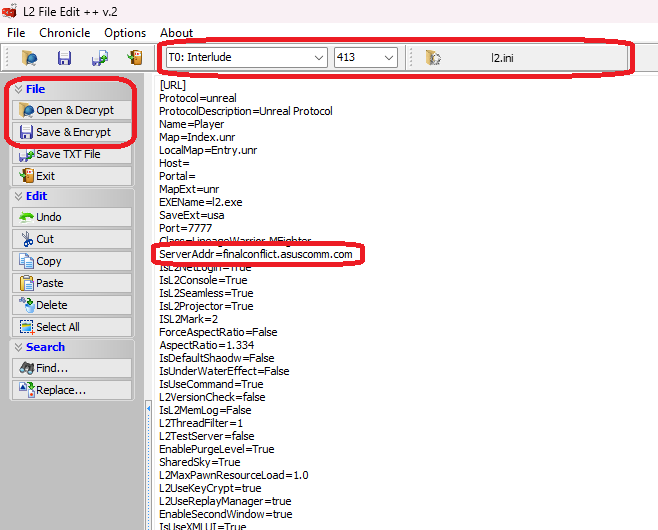
Use L2File Editor to open "l2.ini" inside of your "Lineage 2/system" folder.
Change "ServerAddr" to the IP address of your gameserver & save the file.
Step 2: Launch Game
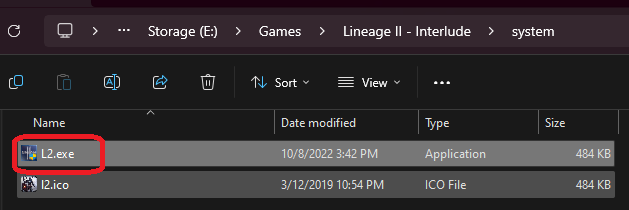
Locate L2.exe inside of your Lineage 2 folder.
(If you cannot find l2.exe, you need to apply the system patch over the top of your lineage 2 install)
Start the game and enter your desired account details on the login screen
(Accounts are usually auto-create by default)
After creating a character, navigate to the characters table in MySQL and change your accesslevel to 8 for GM privilages.