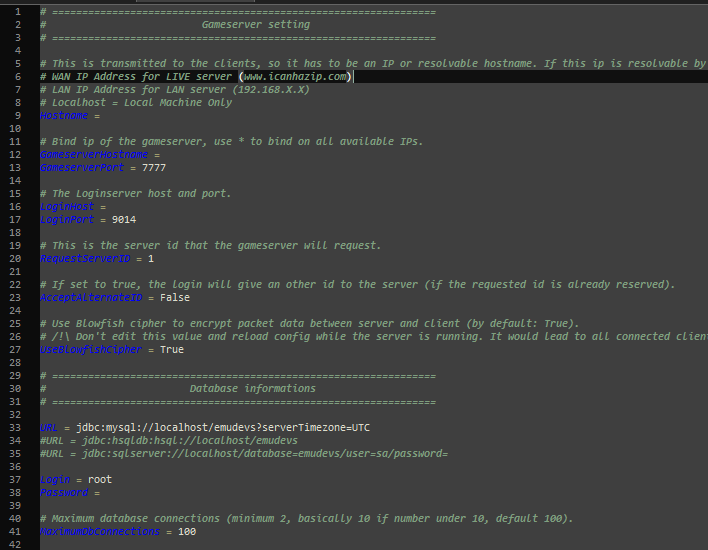
Step 1: Configuring your LoginServer
Navigate to your loginserver.properties / loginserver.config file and open it using Notepad++.
Here you will need to enter your MySQL details, so that the loginserver is able to connect to the database.
Save the file once the IP and database information has been completed.
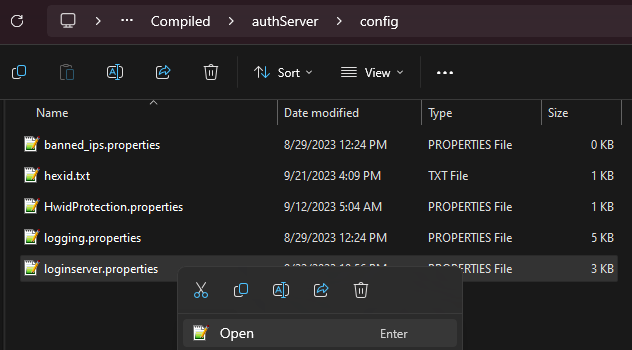
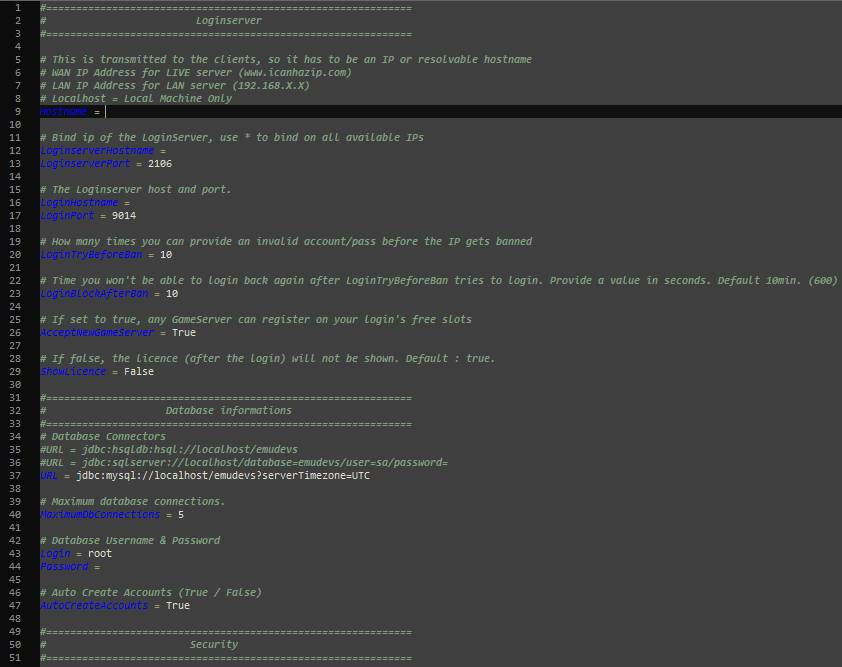
Step 2: Configuring your GameServer
Navigate to your server.properties / server.config file and open it using Notepad++.
Here you will need to enter your MySQL details and hostname information.
Save the file once the IP and database information has been completed.